Understanding E Payments
E payments are payments made through digital tools instead of cash or paper checks. They include card purchases, phone wallet taps, online bills, and transfers between people. These methods now support everyday shopping and many business sales.
Each payment links a buyer, a seller, and one or more financial services. A customer might pay with a card stored in a phone wallet. A business might accept the same card through an online checkout. The details vary, but the goal is the same: move money and record the sale.
The phrase covers many payments processes, not one product. A payment may pass through a wallet, a payment provider, a bank, and a card network. Each part helps send the request, check it, or move funds. Together, these links form payments networking between buyers, sellers, and banks.
- Online transactions: Payments made through a website or app
- In-person purchases: Card or phone payments at a checkout reader
- Payments and transfers: Money sent to a person, business, or biller
Types of E Payment Systems
A payments system connects buyers, sellers, banks, and payment firms. Digital wallets store a link to a card or bank account. Card networks carry payment requests between the seller's provider and the buyer's bank. Bank services can also move money between accounts.
What are P2P payments? They are person-to-person transfers, often sent through an app. PayPal and Venmo are common services for sending money to other people. Check the recipient and amount before you confirm. The transfer may be hard to undo once sent.
A tap payment uses a contactless card or phone near a compatible reader. Online bill payments let people pay companies through a bank, app, or biller's site. Some businesses offer text payments through a link. Check the sender and amount before opening a link or paying.
Businesses often accept several payment types. An online shop may take credit and debit cards, digital wallets, and bank payments. It may also use recurring billing for subscriptions. The right mix depends on how customers shop and what the business can support.
- Card payments: Credit or debit cards used online or in person
- Mobile payments: A phone wallet or app used to pay
- Cashless payments: Digital payments made instead of cash
- Online bill payments: Money sent to a company through a bank or site
- Recurring payments: Scheduled charges for bills or subscriptions
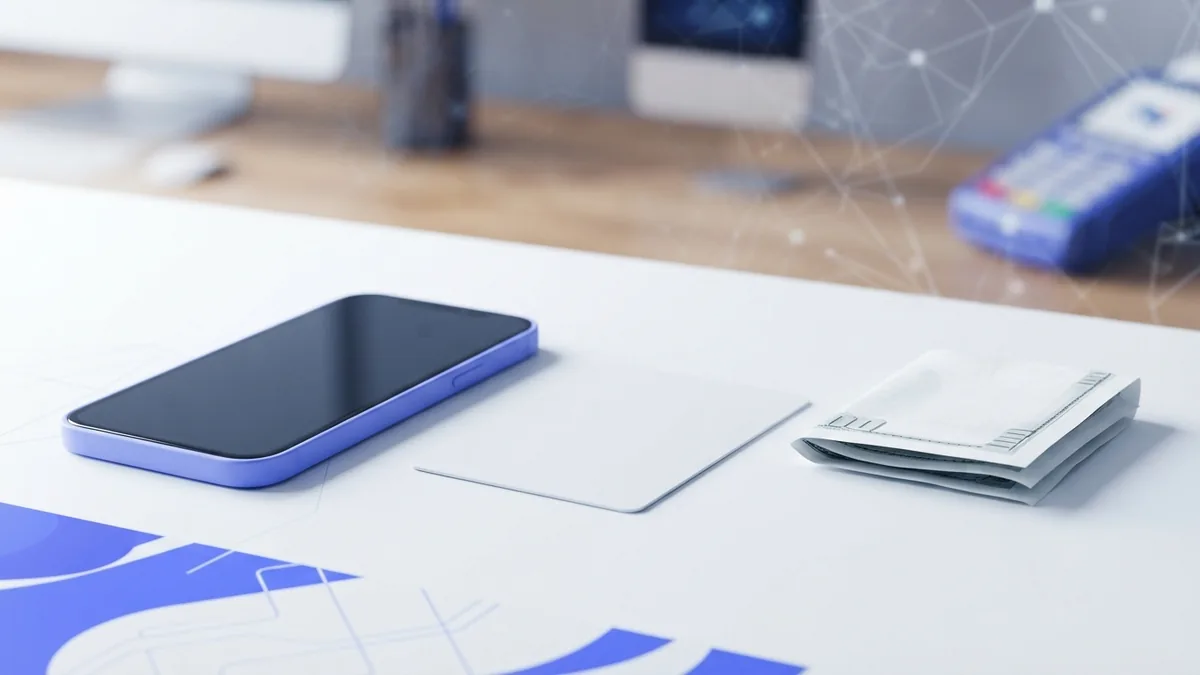
How E Payments Work
At checkout, the buyer picks a method and sends payment details. A card reader or payment gateway sends the request to a payment provider. The provider checks key details, such as the account and available funds. It then asks the buyer's bank or card network to approve or decline the charge.
An approval means the sale can proceed, but the seller may not have the funds yet. The amount may first be held, then sent to the seller during settlement. Settlement is when funds reach the seller's account. The wait can range from a short time to several business days.
Payment security helps reduce theft and mistaken charges. Providers may use encryption, device checks, one-time codes, or face and fingerprint scans. Tokenized payments replace a card number with a coded value tied to a device or purchase. This can limit the value of stolen card details.
Verified payments are not risk-free, so customers should still check each charge. Use trusted apps, keep devices up to date, and report charges you do not know. Businesses can use a payments tracker to see if a charge is pending, approved, refunded, or failed. That view helps staff answer questions and match sales with bank deposits.
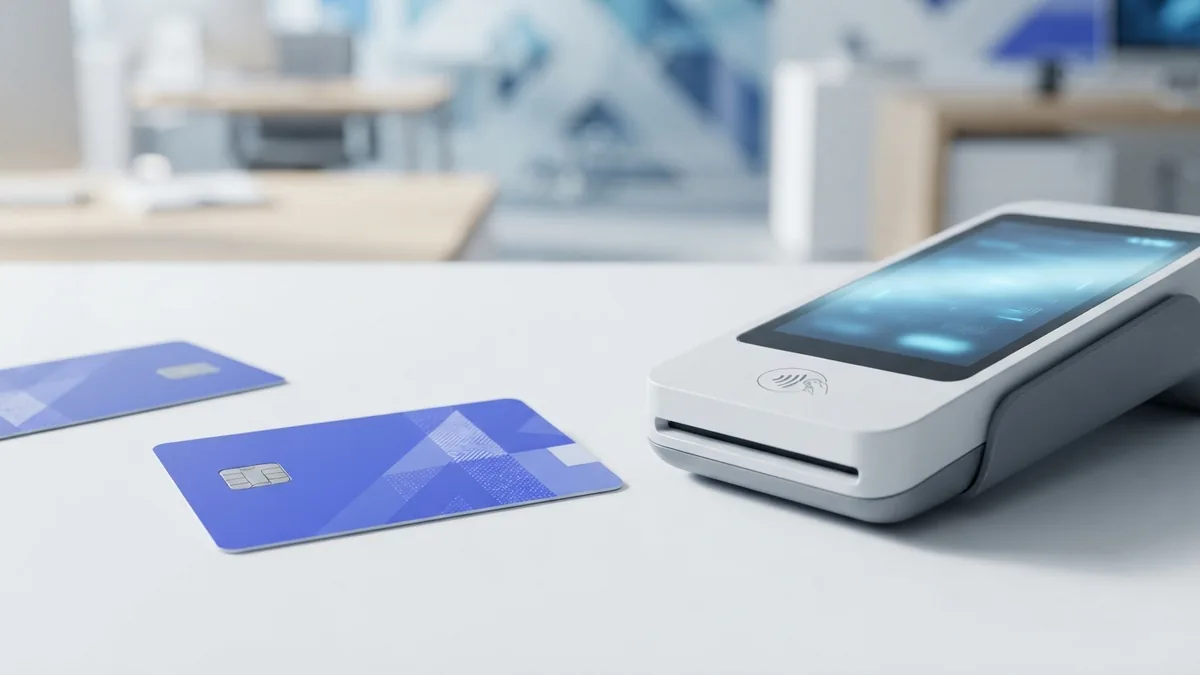
Benefits of E Payments
Convenience is a key reason people use e payments. A customer can pay from a phone, shop online, or send money without visiting an ATM. Contactless payments can speed up checkout for small purchases. Digital records also make past spending easier to review.
Businesses can serve buyers beyond their local area and spend less time handling cash. Online sellers can accept orders at any hour. Recurring billing can collect a subscription fee on set dates. It can save customers from making the same payment by hand each month.
Payments and subscriptions often work together through stored payment details and set billing dates. Customers should know the charge amount, billing schedule, and cancellation steps. Businesses should send clear notices about price changes and failed charges. A simple process can reduce confusion for both sides.
There are trade-offs. Some providers charge fees, and card purchases can lead to disputes or chargebacks. A weak internet link can stop a digital payment from going through. Customers without bank accounts or suitable devices may also have fewer options.
- Speed: Many payments take only a few steps to start
- Convenience: Customers can pay online or in person
- Records: Digital receipts can make spending easier to track
- Choice: Sellers can offer more than one way to pay
Popular E Payment Methods
Credit and debit cards remain common for in-store and online purchases. Customers can enter card details at checkout or tap a card on a reader. Many phone wallets also store a card for quick payment. The card issuer and network help check and process the purchase.
PayPal lets users pay online through a linked account or card. Venmo is widely used for person-to-person payments in the United States. App features, fees, and transfer times can change, so check the terms before sending money. Use the service's own app or site to review a payment.
Bank transfers and online bill pay suit payments sent straight from an account. These options can work well for rent, utilities, or other bills. Before confirming, check the account details, amount, and due date. Keep the receipt until the payment appears in your records.
No single method fits every purchase. A shop may favor cards and wallets for quick checkout. A service business may offer bank payments for large invoices. Customers should choose a method they trust and can track.
Future Trends in E Payments
Payment tools keep changing as phones, banks, and shops adopt new features. Phone wallets and contactless cards have made tap-to-pay common in many places. More services also link checkout with stored accounts. These changes can make payment simpler, but firms still need to protect customer data.
Token use can help limit the exposure of card details. Better fraud checks may also spot unusual activity sooner. These tools need to balance safety with a smooth checkout. A false decline can frustrate a customer as much as a slow payment.
Subscription services are likely to keep shaping digital payments. Clear billing terms, easy ways to update a card, and helpful notices can prevent missed charges. Businesses can also review failed payments and offer a safe way to try again. Customers should be able to see and manage their recurring charges.
For both buyers and sellers, the useful trend is choice with clear safeguards. Compare fees, payment speed, refund rules, and account security before picking a service. Keep records of important purchases and check statements for errors. Good payment tools should make money easier to move and easier to track.
- e payment systems
- digital payment methods
- contactless card payments
- peer to peer payments
- online bill payments