Contactless Payments: A Quick Introduction
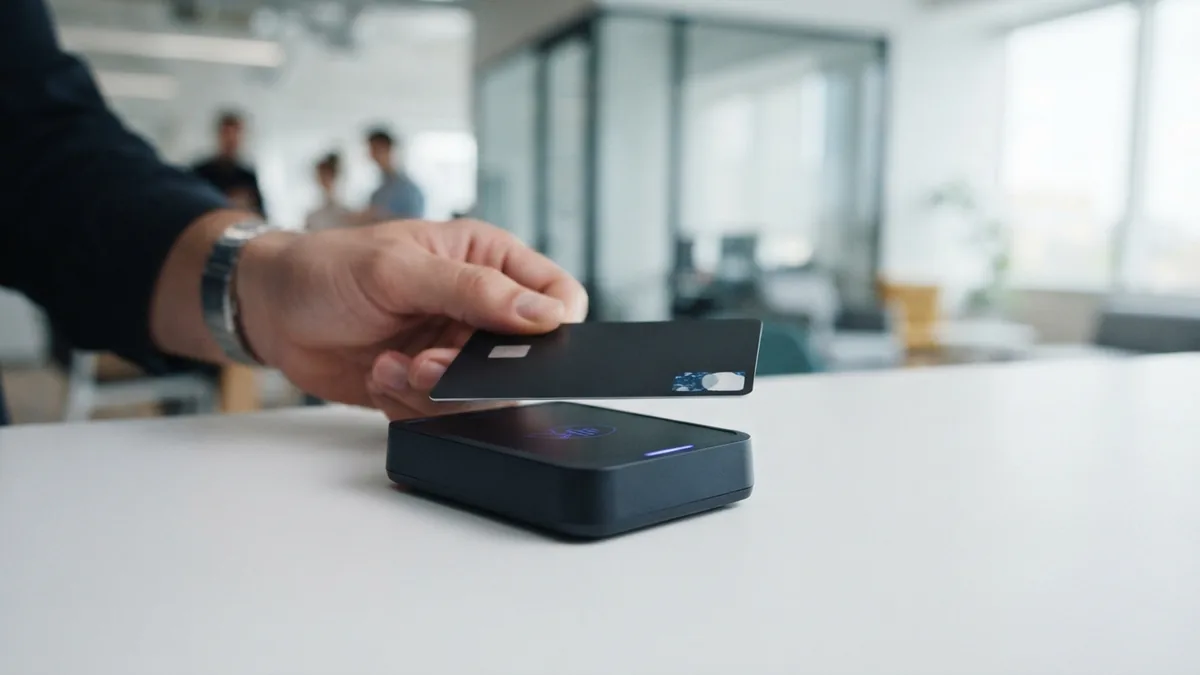
Contactless payment lets you pay without inserting a card or handing it over. You tap a card, phone, or watch near a payment terminal. The terminal reads the device and sends the payment for approval.
Most contactless payments use NFC (Near Field Communication). NFC works over a short range, often just a few centimeters. Some systems also use RFID (radio-frequency identification) technology.
Contactless payment cards look like normal bank cards. They contain a small chip and antenna. The antenna sends payment data to a compatible terminal.
This method grew fast during the COVID-19 pandemic. Many shoppers wanted less cash handling and fewer shared surfaces. Contactless payment systems now support shops, buses, trains, cafés, and events.
How Do Contactless Payments Work?
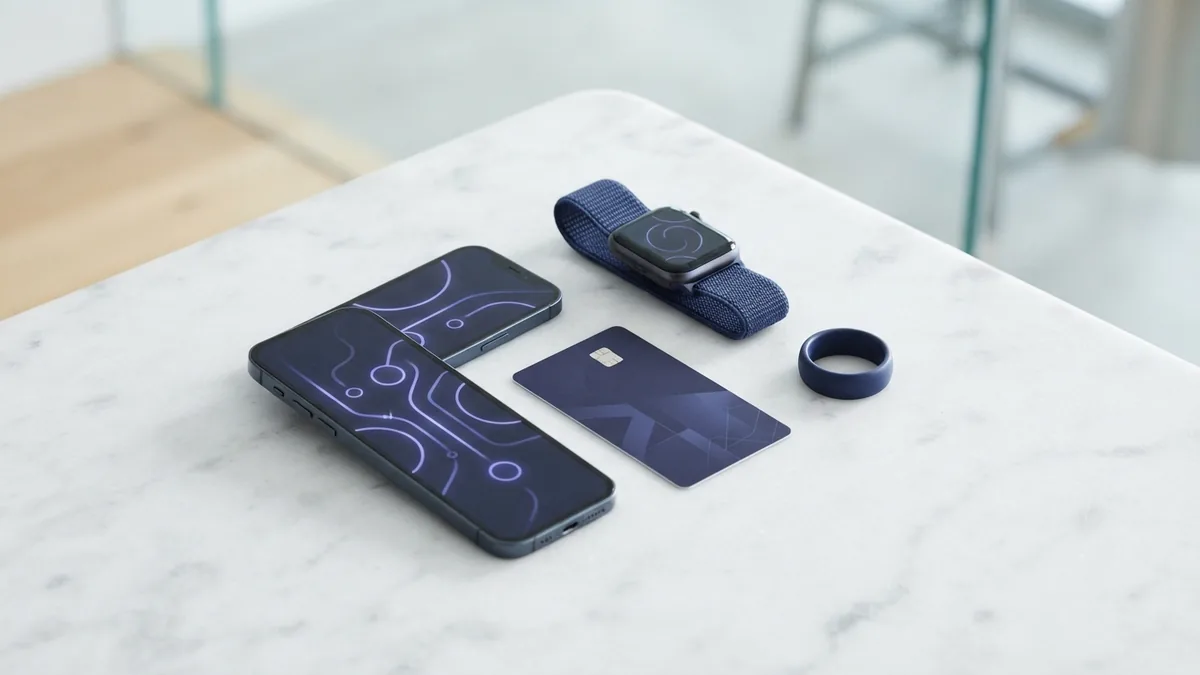
The process starts when you hold your payment device near the terminal. The device and terminal exchange data through a short-range radio signal. You do not need to swipe, insert, or pass the card to staff.
The terminal checks the payment details with the bank or card network. The bank then approves or declines the payment. A small beep, light, or screen message confirms the result.
Many low-value payments need no PIN or signature. Each bank sets its own contactless limit. Larger payments may ask for a PIN, passcode, or device check.
- Wake your phone or take out your contactless card.
- Hold the card or device close to the marked terminal area.
- Wait for the sound or light that confirms the payment.
- Enter a PIN or unlock your device if the terminal asks.
So, how do contactless cards work? Their chip creates a secure exchange with the terminal. The card does not need power from a battery. The terminal supplies the small amount of energy needed for the exchange.
Types of Contactless Payment Methods
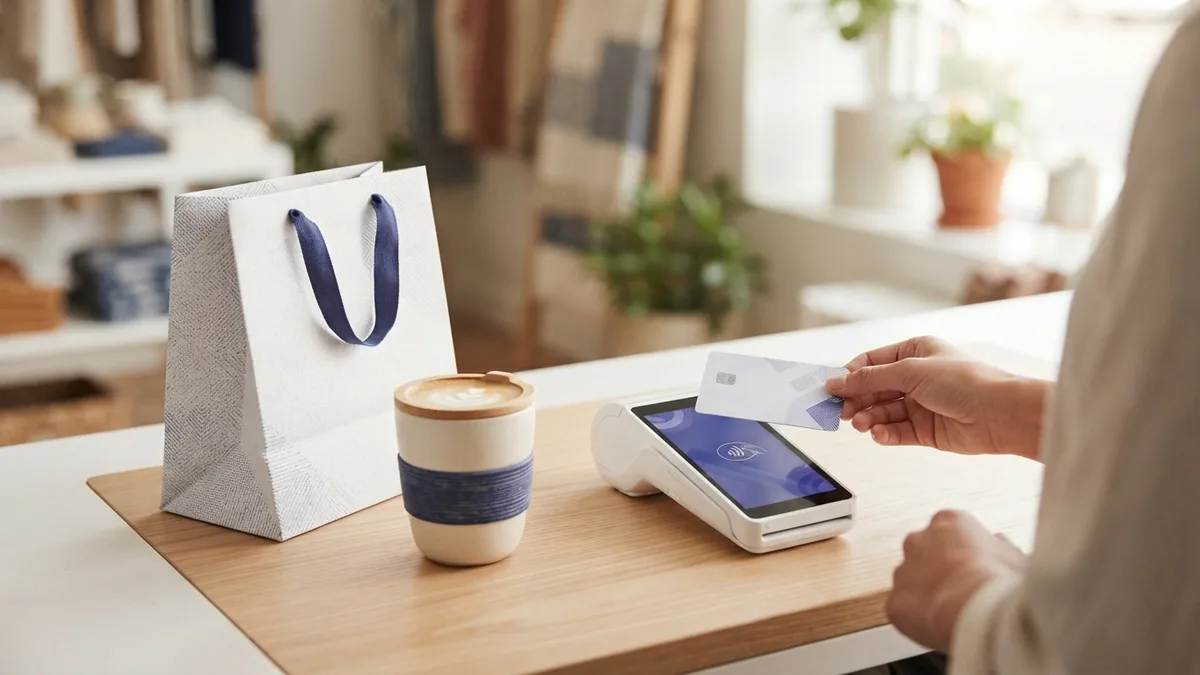
A contactless card is the most familiar option. It works wherever the terminal shows the contactless symbol. Debit cards and credit cards can both support this feature.
Mobile payment uses a smartphone and a digital wallet. The wallet stores a protected version of your card details. You usually unlock the phone before tapping.
Wearables offer another contactless payment device. Smartwatches, fitness bands, and some rings can hold payment details. They suit travel, exercise, and quick purchases.
- Contactless cards: Simple, widely accepted, and ready without a battery.
- Smartphones: Useful for several cards and added device checks.
- Smartwatches: Fast to use when carrying a phone feels awkward.
- Payment rings: Small devices made for short, quick taps.
Some transit cards use RFID contactless payment. These cards can work with gates and readers built for travel. They may not work at regular shop terminals.
Why People Choose Contactless Payment
Speed is the main benefit. A tap often takes less time than inserting a card. It also avoids the wait for a card reader to process a chip.
Contactless payment makes small purchases easier. You can tap for a coffee, ticket, snack, or short trip. Low-value payments often need no PIN or signature.
The method also reduces card handling. Staff do not need to take your card. This can make checkout feel cleaner and simpler.
| Benefit | What it means |
|---|---|
| Speed | Shorter checkout time for many small payments |
| Ease | Tap instead of swiping or inserting a card |
| Choice | Use cards, phones, watches, or other devices |
| Access | Pay at shops, travel gates, cafés, and venues |
Businesses benefit too. Faster checkout can shorten queues during busy periods. Staff can spend less time handling cards and cash.
Is Contactless Payment Secure?
Contactless payment includes several layers of protection. The card chip does not send your full account details in plain form. Many mobile wallets also use a device token instead of your real card number.
Tokenization replaces sensitive card data with a separate digital token. The token is tied to a device or wallet. A thief who copies it may not use it on another device.
Payment networks can also create a one-time code for each transaction. This code helps stop copied data from being used again. EMVCo's contactless payment standards describe the security rules behind many chip payments.
Phones and watches add their own checks. These may include a passcode, fingerprint, or face scan. A lost device can often be locked through the wallet provider.
- Keep your bank app and device software up to date.
- Turn on a screen lock and wallet security check.
- Set alerts for card payments and review them often.
- Report a lost card or device to your bank at once.
Contactless is not risk-free. Someone may still steal a card or use a lost device. Your bank's payment limit and fraud rules provide another safety layer.
Where Can You Use Contactless Payment?
Contactless payment is common in many daily settings. Look for the contactless symbol on the terminal or gate. Acceptance can vary by country, bank, merchant, and payment network.
- Supermarkets, shops, pharmacies, and department stores
- Cafés, restaurants, food trucks, and takeaway counters
- Buses, trains, subways, toll roads, and parking sites
- Airports, cinemas, stadiums, museums, and theme parks
- Vending machines, ticket machines, and self-service kiosks
Transit systems often set special rules for contactless cards. Some charge the fare later and group trips into one daily payment. Others require the same card for entry and exit.
Before travel, check whether your bank supports foreign contactless payments. Check exchange fees as well. Your card may work abroad, but local limits can differ.
What Comes Next for Contactless Payment Technology?
Contactless payment will likely spread through more transport and retail settings. Faster gates and checkout tools can help firms handle busy demand. Phones and wearables will keep adding new ways to pay.
Payment providers are also testing better device checks. These checks may use location, device health, or spending patterns. Banks must balance strong fraud control with a smooth customer experience.
New payment systems may connect contactless tools with digital identity and loyalty rewards. They may also support account-to-account payments. Clear consent and strong privacy rules will matter as these links grow.
For shoppers, the best choice depends on daily habits. A contactless card needs no battery. A phone wallet offers more controls. A watch can be handy when speed matters most.
Key Points to Remember
Contactless pay is a simple tap-based method. NFC or RFID technology links the device with the terminal. Tokenization and one-time codes help protect each payment.
Check the terminal symbol before tapping. Know your bank's limits and review payment alerts. These small habits help you use contactless payment with confidence.
- how contactless payments work
- contactless payment security
- contactless payment devices
- mobile payment technology
- contactless card benefits