What a digital wallet does
A digital wallet is an app that stores payment details and helps you pay with a phone, watch, or other device. It can hold credit and debit cards, plus loyalty cards, gift cards, tickets, and travel passes. Instead of pulling out a physical card, you choose a saved payment method and approve the purchase.
Digital wallets work in shops, online stores, and apps. In a shop, you may tap your device at the checkout. Online, you select the wallet at payment and confirm the purchase. The wallet sends the payment details through a digital wallet payment system, while the seller receives the information needed to process the sale.
Wallets can also help keep useful items in one place. A transit pass may open a fare gate, while a boarding pass can show travel details. The exact options depend on the wallet provider, your device, and the card issuer.
- Payment cards: credit, debit, and some prepaid cards
- Other cards: loyalty and gift cards
- Passes: tickets, boarding passes, and transit fares
How digital wallet payments work
First, you add a card or pass to the wallet. The provider may ask you to confirm your identity with your bank or card issuer. This step can involve a one-time code, a bank app, or another check.
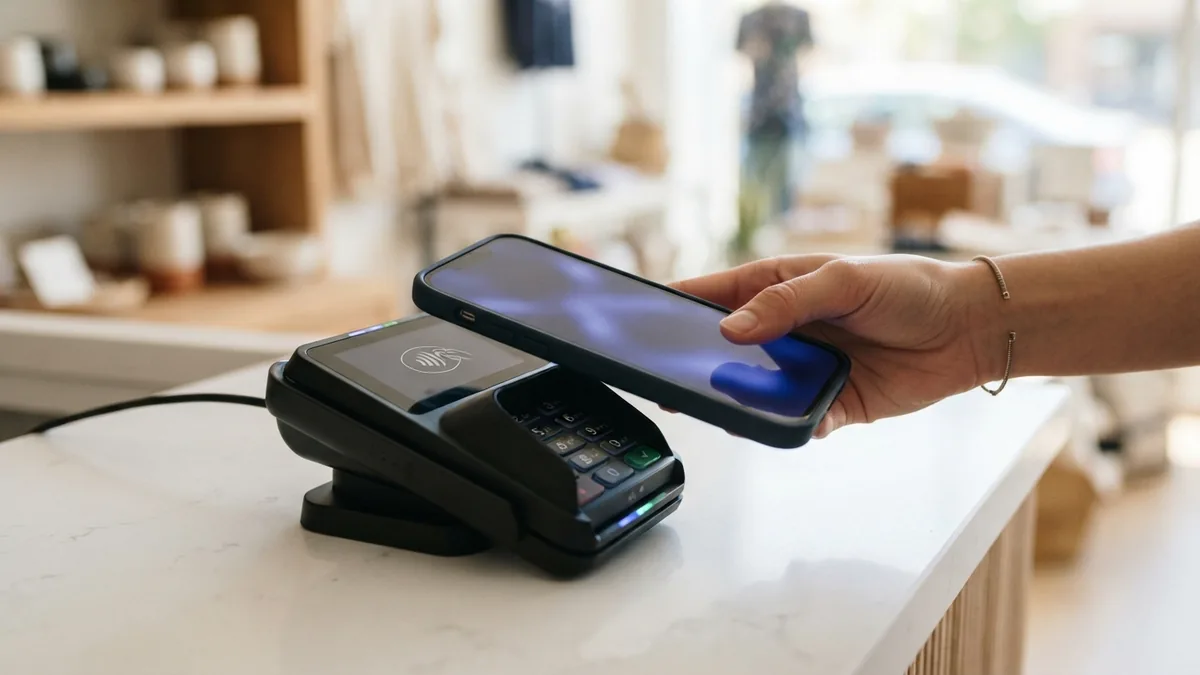
For an in-store purchase, the phone and payment terminal exchange data over NFC, or near field communication. NFC works over a short range, so you usually hold the device close to the terminal. You then approve the payment with a passcode, fingerprint, or face scan.
For online and in-app purchases, you choose the wallet at checkout. You may confirm with a device passcode or biometric check. The wallet then sends a secure payment request, which the seller's payment service routes for approval.
Many wallets use tokenization. This replaces the card number with a separate token for digital payments. The token can be limited to a device or payment setting. EMVCo's explanation of payment tokenisation describes how tokens can help reduce exposure of card details.
- Add a supported card and complete the issuer's check.
- Choose that card before you pay.
- Approve the purchase on your device.
- Check the wallet or bank app for the payment record.
Features you may find in a digital wallet
The features of a digital wallet vary by provider, but most focus on payments and stored cards. Some let you set a default card, view recent purchases, or remove a lost card from the device. Others can show rewards balances or update a pass when its details change.
Contactless payments are a common feature for shops with compatible terminals. Online checkout is another key feature. A wallet can fill payment details without making you type a card number into each store's form.
Some services add spending alerts or let you manage several cards in one app. A wallet may also show when a payment is pending or complete. These tools help you track activity, but your bank's app may have more detail.
| Feature | What it helps you do |
|---|---|
| Contactless payment | Tap a device at a compatible checkout |
| Online checkout | Pay without entering card details each time |
| Card and pass storage | Keep supported cards, tickets, and passes together |
| Payment alerts | Spot recent activity and check for unfamiliar charges |
Check which features your bank and wallet support before relying on them. Not every shop accepts every wallet, and some card types cannot be added. A phone also needs power and a working screen for many wallet payments.
How digital wallets protect payment details
Digital wallets often add safeguards that physical cash cannot offer. They can encrypt data, use a device lock, and ask for a passcode or biometric check before payment. Some wallets use a token rather than sharing the card number with the merchant.
These steps can lower the risk of stolen card details, but no payment method is risk-free. A weak phone passcode, a shared unlocked device, or a scam message can still put an account at risk. Keep your device software up to date and lock the screen when you are not using it.
Set up the wallet only through the device's trusted app store. Use a strong passcode and turn on lost-device tools where available. If your phone goes missing, lock or erase it remotely, then contact your bank to review the card.
- Use a unique phone passcode that others cannot guess.
- Do not approve a payment you did not start.
- Check account alerts and report unknown charges quickly.
- Remove cards from a device you sell or give away.
Digital wallets can be safer than handing over a card in some settings, since merchants may not receive its real number. Still, protections differ by provider, card, and transaction. Keep the same care you would use with any bank account.
Benefits and limits of using a wallet
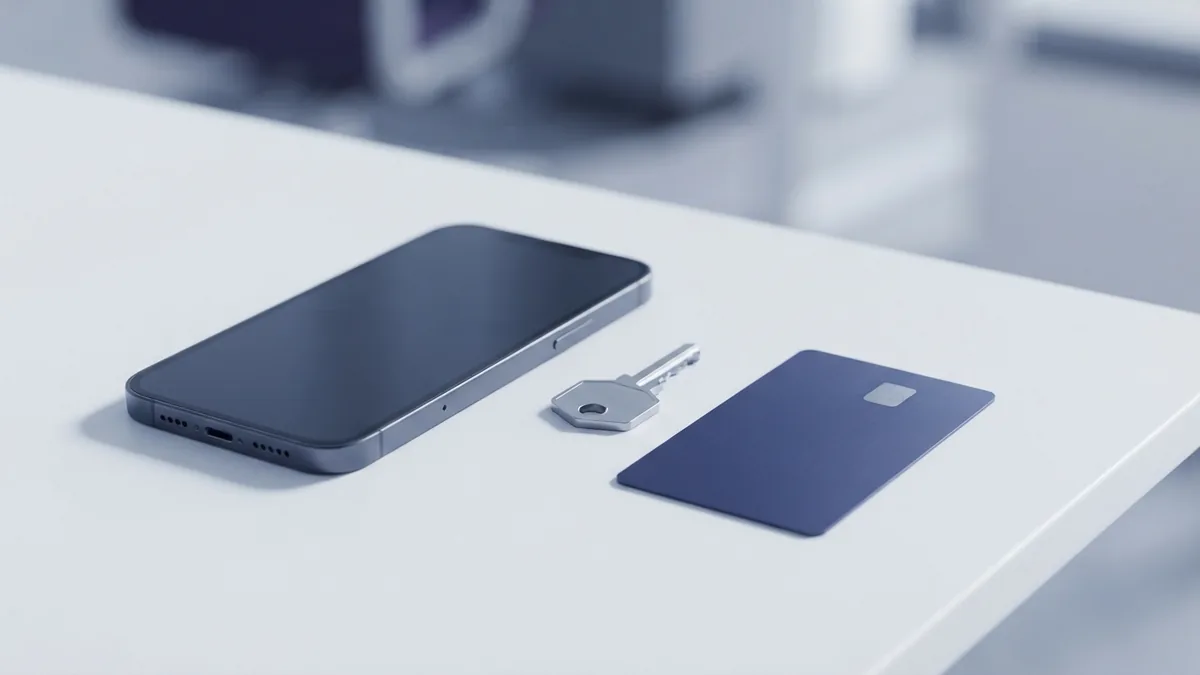
A wallet can make checkout faster because you do not need to find a card or type its details. It can also reduce the number of payment cards you carry. For frequent transit or loyalty users, having passes in the same device can save time.
Device approval adds a layer of control at checkout. A lost physical card may be used by someone who finds it, while a locked phone often requires another step. That does not make a phone impossible to misuse, so remote lock tools and quick bank contact still matter.
There are trade-offs. A wallet may not work if the battery is flat, the terminal does not support contactless payments, or the card issuer blocks the service. Some purchases also need a physical card or another form of ID.
Before making a wallet your only payment option, test it at a familiar shop and keep a backup card. Review its card settings, alerts, and steps for a lost device. That small check can prevent delays when a payment fails.
What may shape digital wallet use next
Wallets are likely to add more ways to store passes and manage payment cards. More shops and transit systems may accept contactless payment as their terminals change. Use will still depend on local access, device support, and the rules set by banks and merchants.
Digital identity checks may also become part of some wallet services. A wallet could help a user share a needed credential without handing over extra details. These tools must balance ease of use with privacy and clear user consent.
For now, choose a wallet based on the cards you use, the shops you visit, and the safeguards it offers. Read the provider's terms for data use and card support. A useful wallet is one that fits your daily payments without adding steps or risk.
- digital wallet payments
- contactless payment methods
- mobile payment security
- payment tokenization
- online checkout options