Credit Card Processing for Small Businesses
Credit card payment processing for small business lets you accept payments in stores, online, and by phone. A processor moves payment data between your business, the card network, and the customer’s bank. It then sends approved funds to your business bank account.
This system now supports much more than card swipes. Customers may tap a phone, enter card details online, or use a stored payment method. Small firms need a setup that fits their sales channels, budget, and cash flow needs.
The best payment processing for small business is not always the lowest-cost plan. You need fair fees, strong security, simple tools, and help when a payment fails. The right choice can also cut manual work and improve your customer experience.
- In-store sales need a card reader or POS system.
- Online sales need a payment gateway and checkout tools.
- Recurring services may need automated billing.
- Bank payments may suit some larger or repeat charges.
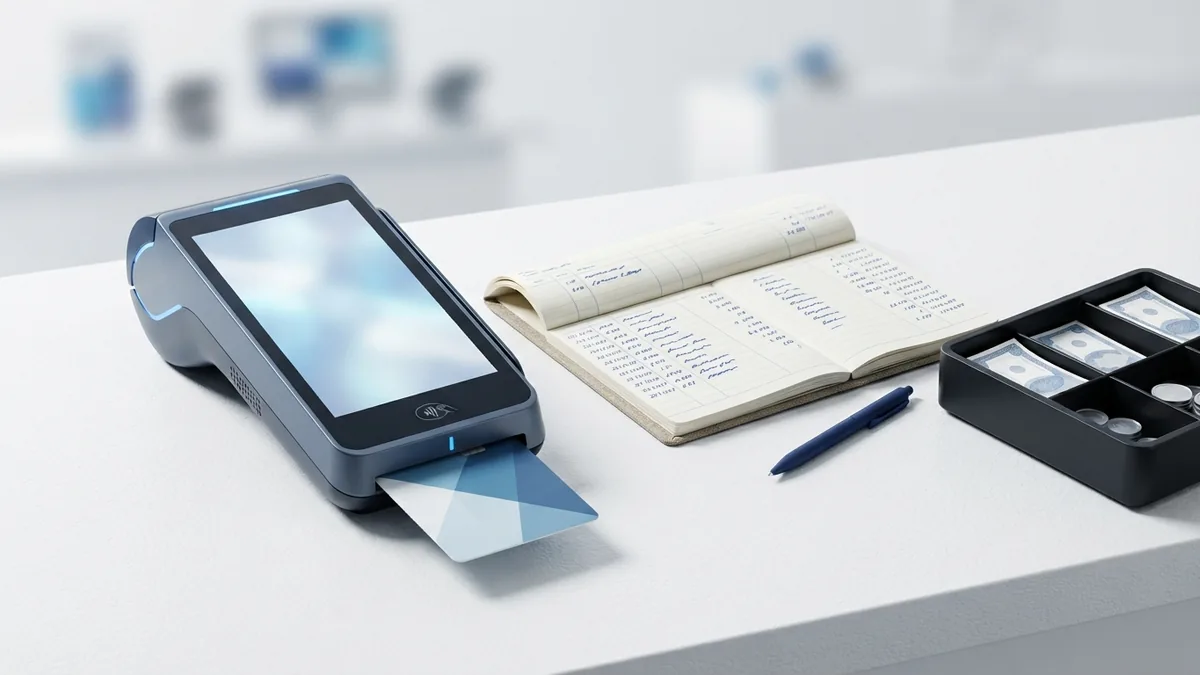
How Credit Card Payments Move From Buyer to Bank
Credit card processing follows three main steps. These steps happen in seconds during a normal sale. The money reaches your bank later, after the sale gets checked and grouped.
1. Transaction initiation
The customer starts the sale by tapping, inserting, swiping, or typing card details. Your checkout tool sends the payment data to a payment gateway. The gateway acts as a secure link between your business and the payment network.
2. Authorization
The processor sends the request through the card network to the issuing bank. That bank checks the account, spending limit, and possible fraud signs. It then approves or declines the payment.
3. Settlement
Approved payments enter a settlement batch. Your processor sends that batch through the network for final funding. The funds then move to your business bank account, often within one to three business days.
A $50 sale may show as approved right away. Yet you may not see the full amount in your bank account that day. Fees are taken out before the final deposit, based on your contract and pricing plan.
| Stage | What happens | What you should track |
|---|---|---|
| Start | The customer submits payment details | Sales amount and payment type |
| Approval | The issuing bank accepts or rejects the request | Approval result and decline reason |
| Funding | The processor sends money to your bank | Deposit date, fees, and payout total |

Why Payment Processing Matters for a Small Business
Cards account for a large share of everyday purchases. Customers often expect card, tap, and wallet payments at checkout. A business that accepts only cash can lose sales before a buyer reaches the register.
Card acceptance can also improve cash flow. You do not need to wait for a cheque or chase an unpaid invoice. Funds still take time to settle, but the sale enters a clear payment path at once.
Payment tools can reduce work for your team. They can record sales, match deposits, and send payment data to accounting software. This helps keep financial records in better shape during busy periods.
- More ways to pay: Accept cards, mobile wallets, and bank payments.
- Faster checkout: Tap and wallet payments can shorten lines.
- Better records: Digital receipts make sales easier to track.
- Repeat sales: Saved payment tools can support approved recurring billing.
- Remote sales: Online payment processing for small business supports orders beyond your shop.
ACH payment processing for small business can also help with large or repeat payments. ACH means an electronic bank-to-bank payment in the United States. It may cost less than a card payment, but it can take longer to clear.

Common Costs, Risks, and Rules
Fees are the main concern for many owners. A processor may charge a percentage, a flat fee, a monthly fee, or a mix of these. A plan that looks cheap for small sales may cost more when your sales volume grows.
Ask how the provider handles refunds, card-not-present sales, and chargebacks. A chargeback happens when a cardholder disputes a payment through their bank. You may lose the sale amount and pay an added fee while the case gets reviewed.
Security is another key risk. A stolen card number can harm customers and create costs for your business. You also need to protect staff accounts, devices, receipts, and customer records.
PCI DSS is a set of payment card security rules. It covers businesses that store, send, or handle card data. The PCI Security Standards Council merchant guidance explains core duties for merchants.
- Do not store card data unless your business truly needs it.
- Use strong passwords and separate staff access.
- Keep payment devices and business software up to date.
- Train staff to spot fake refunds and unusual payment requests.
- Keep a written plan for a lost device or suspected breach.
Never assume that a processor removes every security duty. Your business still controls its devices, staff access, and sales process. Check the provider’s security terms before signing up.

How to Choose a Payment Processor
Start with your real sales pattern. List your monthly card volume, average sale, sales channels, and refund rate. Then compare plans using your own numbers instead of a headline rate.
For example, a shop with 800 sales of $25 may need fast in-store tools. A consultant with 20 invoices may care more about online links and bank payments. A subscription firm needs reliable recurring billing and clear failed-payment tools.
Review the full price before you compare providers. Ask for the rate, per-sale fee, monthly fee, device cost, refund fee, and chargeback fee. Also ask if the contract has an early exit fee or a minimum monthly charge.
- Write down your sales channels and average monthly volume.
- Request a full fee sheet from each provider.
- Test the checkout, dashboard, and receipt flow.
- Ask how fast support responds during payment outages.
- Read the refund, reserve, and chargeback terms.
- Run a small test before moving every payment account.
Compare support, funding, and growth limits
Good support matters when a terminal fails on a busy day. Check whether help comes by phone, chat, or email. Ask for support hours and the target reply time.
Review payout timing too. Some providers offer next-day funding, while others take longer. A reserve or sudden payout hold can hurt a small firm that has little cash on hand.
Features Worth Paying For
Ease of use should be near the top of your list. Your staff should learn the payment flow without a long training session. The system should also connect with your POS, shop platform, and accounting tools.
Look for fraud tools that fit your sales channel. Online shops may need address checks, card security codes, and risk filters. In-person shops may need chip and tap support with staff access controls.
Ask how the provider handles chargebacks from start to finish. You should know when it will alert you, what proof it needs, and how much time you have to reply. Clear rules can prevent missed deadlines and avoidable losses.
| Feature | Why it matters | Question to ask |
|---|---|---|
| Integration | It cuts duplicate entry | Does it connect with my POS and books? |
| Fraud tools | It can flag risky online sales | Which checks come with the plan? |
| Chargeback help | It supports dispute replies | How do alerts and deadlines work? |
| Reporting | It helps match sales to deposits | Can I export clear payout reports? |
Free payment processing for small business often means someone else pays the fee. That cost may come through a higher product price or a service charge. Read the terms before choosing a plan marked free.
Make Your Next Payment Setup Decision
Credit card payment processing for small business works best when it matches your sales flow. Begin with volume, average order size, and sales channel. Then compare total cost, funding speed, security tools, and support.
Do not choose from a rate alone. A low rate may come with weak reports, slow help, or costly add-ons. A slightly higher plan may save time and reduce payment errors.
Shortlist two or three providers and ask the same questions of each one. Test the key features before a full launch. This gives you a better chance of finding payment processing for small businesses that can grow with your firm.
- credit card payment processing
- online payment processing
- ACH payment processing
- payment processor fees
- chargeback management tools