What the PCI Payment Card Industry Covers
The PCI Payment Card Industry refers to the standards and groups that help protect payment card data. For businesses, the main standard is PCI DSS, or the Payment Card Industry Data Security Standard. It sets security rules for businesses that store, process, or transmit cardholder data.
The Payment Card Industry Security Standards Council (PCI SSC) maintains PCI DSS. Major card brands formed the council, but payment brands and acquiring banks set the rules for merchant validation. PCI DSS applies to many kinds of businesses, not just large retailers. A small shop can still have duties if it accepts card payments.
The standard covers areas such as secure networks, access controls, software updates, and regular checks. Its core goal is to reduce the risk of stolen card data. It is not a one-time badge. Businesses must keep their controls in place as systems and risks change.

Why PCI Compliance Matters to Your Business
PCI compliance helps lower the chance that attackers can reach payment card information. It can also help limit harm if a breach occurs. Strong controls protect customers and support trust in your business.
PCI DSS is not itself a law in every place. Still, card brands and acquiring banks commonly make compliance a condition of accepting card payments. Your acquirer can explain which validation steps apply to your account. Start there rather than assuming all merchants face the same process.
Non-compliance can bring added fees, tighter oversight, or limits on card acceptance. After a breach, a business may also face investigation costs and claims. The exact outcome depends on contracts, local rules, and the facts of the incident. Being compliant does not guarantee that a breach will never happen.
Merchant Levels and the Validation They Need
Merchant levels PCI rules use are based mainly on yearly card transaction volume. Card brands set level thresholds and validation rules. Those rules can differ by brand, region, and sales channel. Your acquiring bank can confirm your level and required forms.
Visa’s common merchant tiers offer a useful example. Level 1 often covers merchants processing over six million Visa transactions per year. Level 2 is commonly one to six million, while Level 3 is often 20,000 to one million e-commerce transactions. Level 4 generally covers smaller merchants, but exact scope varies.
Higher-volume merchants usually need an annual review by a Qualified Security Assessor (QSA), or an internal assessment where allowed. Smaller merchants often complete a Self-Assessment Questionnaire (SAQ) and may need quarterly network scans. The right SAQ depends on how payments flow through your systems. Ask your acquirer before choosing one.
- Level 1: Commonly requires an annual QSA assessment and a formal report, subject to brand rules.
- Levels 2 and 3: Often use an SAQ and may require added scans or other checks.
- Level 4: Often uses an SAQ, but the acquirer sets the exact steps.
Keep records of your sales channels and annual transaction counts. A shift to online sales or a new payment method can change your validation needs. Do not treat a tier chart as a substitute for your acquirer’s instructions.
PCI Payment Applications and Their Role
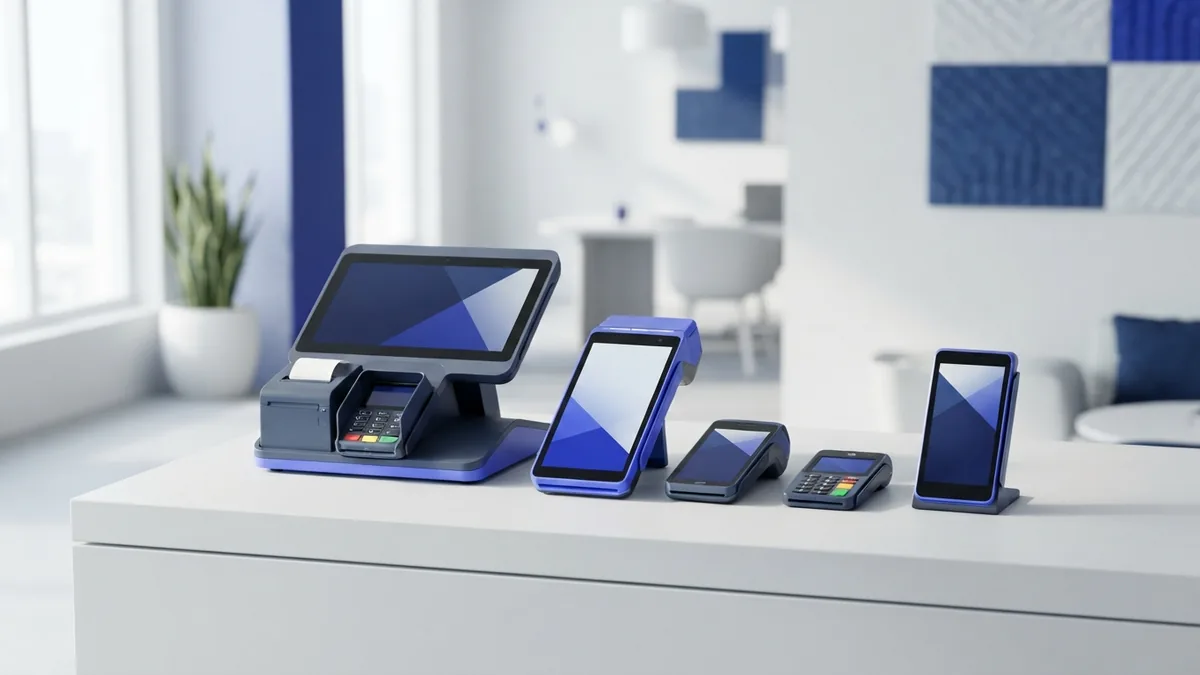
A PCI payment application is software used to accept, process, or manage card payments. Examples include checkout tools, point-of-sale software, and payment systems that run on a business server. These apps matter because flaws in them can expose card data or weaken other security controls.
PCI SSC lists payment software that has been reviewed under its security programs. A listed product can help buyers assess software, but it does not make a merchant compliant by itself. The business must still install, configure, and maintain the app safely. Check the current listing and the product’s support status before choosing it.
Use only supported software and apply security updates promptly. Limit staff access to the features and data they need. Ask vendors how the app handles card data, who can access it, and how updates are delivered. If your setup stores card data, review whether that storage is truly needed.
How a PCI Payment Gateway Helps
A PCI payment gateway securely sends payment details between a checkout and the payment processor or acquiring bank. It can pass a request for approval, return the result, and support payment records. A gateway is not the same as the bank that approves a payment.
Many gateways offer hosted checkout pages or tokenization. Tokenization replaces a card number with a token that cannot be used as the original number. These tools can reduce the card data that touches your own systems. They do not remove every PCI duty.
Your PCI scope depends on how your site, devices, and staff interact with card data. A hosted payment page may narrow that scope, while a custom checkout can add systems to review. Confirm the gateway’s role with your acquirer and follow the gateway provider’s setup guidance. Keep your own website and user accounts secure.
Best Practices for Staying Compliant
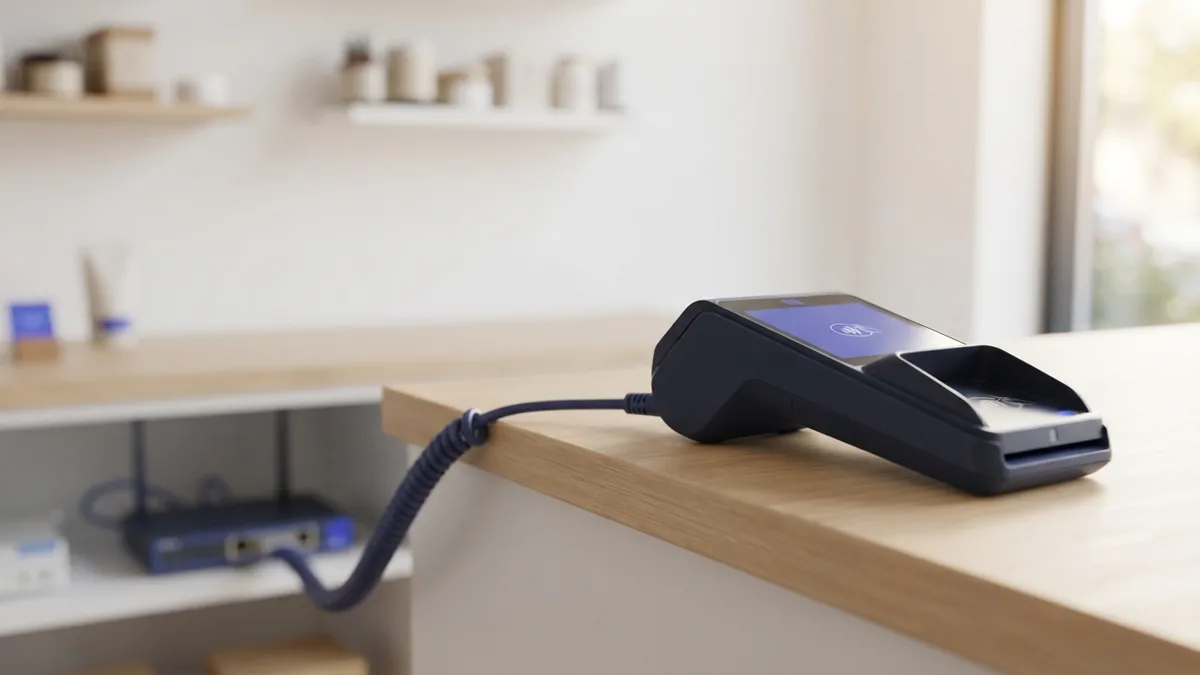
Start by mapping where card data enters, moves, and leaves your business. Include payment terminals, checkout pages, staff workflows, and any stored records. Remove data you do not need. Less stored data means fewer places to defend.
Use the controls that fit your systems and PCI DSS scope. Keep software current, change default passwords, and limit access by role. Use multi-factor sign-in for remote access and admin accounts. Protect wireless networks and separate payment systems from general business devices.
- Check user access at least once each quarter and remove access promptly when roles change.
- Use approved scans where required, and fix serious findings without delay.
- Train staff to spot phishing and to report lost devices or unusual payment activity.
- Keep an incident plan with contact details for your acquirer and service providers.
- Review vendor roles and agreements when payment tools or providers change.
Keep proof of your checks, staff training, scans, and fixes. A clear record helps you answer questions from your acquirer and spot gaps before they grow. Revisit your process whenever you add a new checkout, store, or payment app. Compliance is ongoing work.
Stay Current and Choose Your Next Steps
PCI DSS changes over time, so use current material from PCI SSC and your payment partners. The council’s PCI DSS standards page is the primary place to check the standard and related resources. Your acquirer can tell you which SAQ, report, or scan applies to your business.
For software choices, check PCI SSC’s current payment software listings and ask vendors for clear support details. Do not rely on an old certificate or a sales claim alone. Confirm the version, scope, and status of the product you plan to use.
In short, identify your card data flows, confirm your merchant level, and use the right validation path. Choose secure payment tools, then keep them patched and monitored. If you are unsure about scope, ask your acquirer or a qualified assessor before making changes.
- pci dss requirements
- payment card security
- merchant compliance levels
- card data protection
- payment application security