Understanding Payment Processors
A payment processor helps move payment details and funds between a business, banks, and card networks. It sends each payment for review, then returns an approval or decline. Many providers also support payouts, disputes, and fraud checks.
A credit card payment processor handles card sales in a shop or online. Some providers include a merchant account, which holds funds before payout. Others connect to an account your business already has. Your setup depends on how and where you sell.
Payment processor companies vary in price, tools, and service. Some are built for small sellers who need quick setup. Others serve large firms with high sales volume or custom systems. Compare the full service, not just the brand name.
- Customer: Starts a payment with a card or bank account.
- Merchant: Takes payment through a website, app, or point-of-sale system.
- Processor: Routes payment data and returns the bank’s decision.
These tools matter to online shops and local stores alike. Without a processor, each seller would need its own bank and card network links. A merchant payment processor brings those links and key payment tools together. It works behind the scenes.

Payment Processors and Gateways: What’s the Difference?
A payment gateway collects payment details at checkout and sends them into the payment system. It links a website or app to the firms that handle the payment. The processor routes the request and returns the result.
The gateway and processor can come from one provider or two. An all-in-one service may bundle checkout, gateway, and processing tools. A larger seller may choose separate firms to fit its bank or store software. Check who handles each part.
For example, a customer enters card details on a shop’s site. The gateway sends those details to the processor. The processor sends an approval request through the card network to the customer’s bank. The bank’s reply travels back to the shop.
This is the payment gateway and payment processor difference: one collects payment details, and the other routes the request. Some firms do both jobs. When you choose a payment gateway, check its fit with your processor and store platform.
Ask who handles support, security, and failed payments. A smooth handoff can reduce setup work and checkout errors. Keep the path simple.

How Payment Processing Works
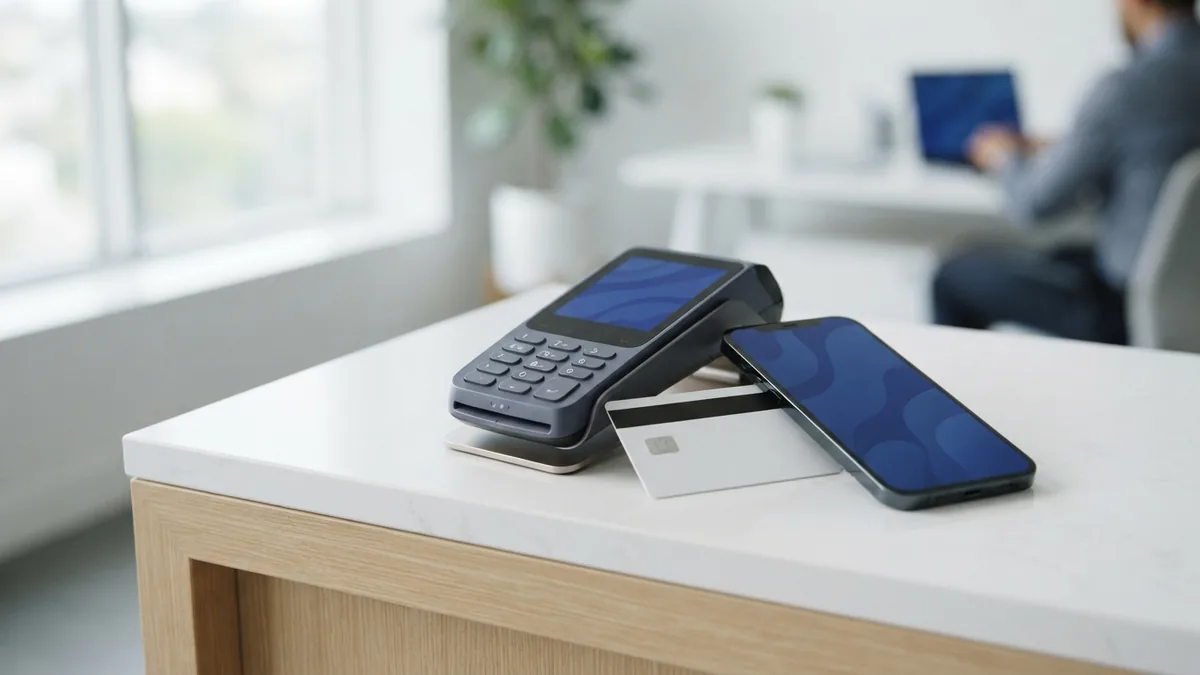
A card payment starts when a customer taps, inserts, or enters a card. The checkout tool sends payment details to the gateway or processor. Security checks may screen the data before it moves on.
The processor sends an approval request through the card network to the customer’s bank. The bank checks the account and decides whether to approve the sale. That decision returns to the merchant, often within seconds. Approval does not mean funds have arrived.
At the end of a sales period, the merchant submits approved payments for settlement. This step moves funds toward the merchant’s bank account. Deposit timing depends on the provider, bank, payment type, and account terms. Ask about payout timing before you sign up.
An ACH payment processor handles bank-to-bank payments through the Automated Clearing House network. ACH is common for bills, payroll, and repeat payments. The Federal Reserve explains its FedACH services, which help banks send and receive these payments.
A payment processor API lets your site or app share payment data with a provider. Some firms offer ready-made links, while others offer tools for custom builds. Test the full payment path before launch. Small setup errors can block checkout.
Types of Payment Processors and Services
Payment processor services vary by payment type, seller needs, and included tools. Some focus on card sales. Others handle bank transfers or serve firms with a specific sales model. Choose based on how your customers pay.
- Card processors: Handle credit and debit card sales in stores and online.
- ACH processors: Move funds between bank accounts for one-time or repeat payments.
- Industry-focused processors: Offer tools shaped for needs such as restaurants or subscriptions.
- All-in-one providers: Bundle checkout, processing, and other payment tools.
Some sellers work with an independent sales organization, or ISO. An ISO may help set up merchant accounts and connect sellers with a processor. It does not replace the firms that route and settle payments. Ask which company handles your funds and support.
Payment processor software can include checkout tools, reporting, fraud checks, and links to sales systems. A good fit can streamline daily tasks. It may also lower payment processing fees, depending on your rates and sales mix. Compare total costs, not a single advertised rate.
Security matters for every payment type. Look for strong data safeguards, clear dispute steps, and tools to spot unusual sales. Ask what your team must do to keep payment data safe. Better checks can help limit fraud and costly disputes.
Benefits and Costs of Using a Processor
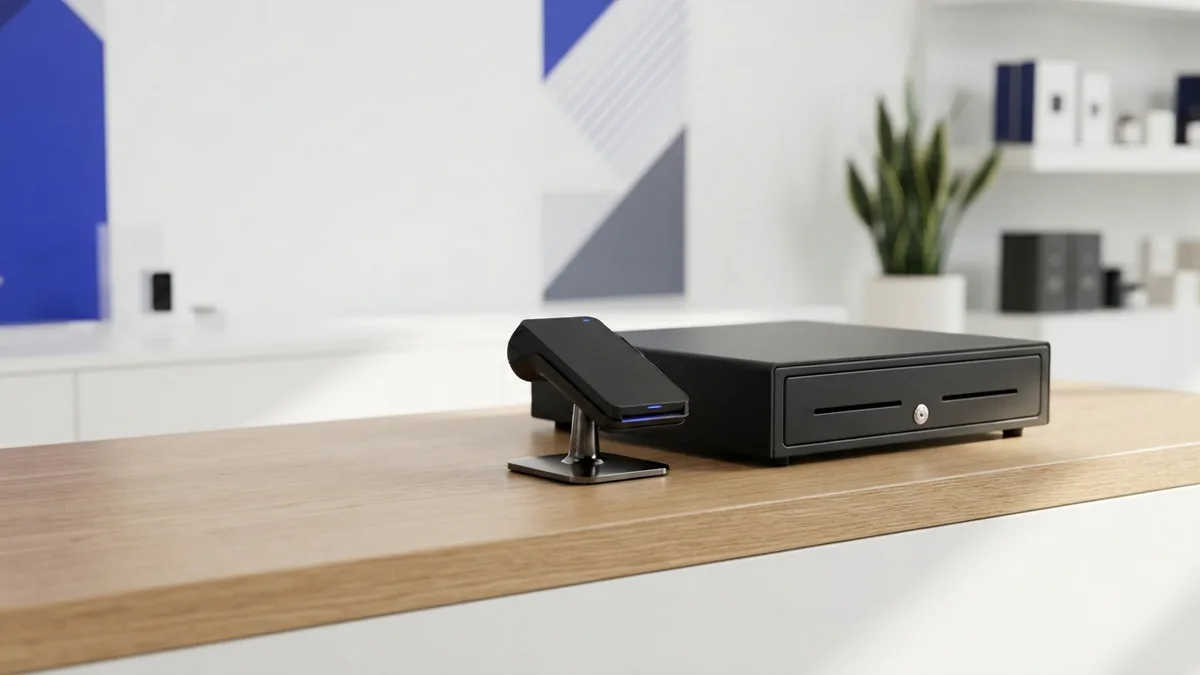
A processor gives a business one path for taking payments and tracking sales. It can save staff from handling each bank link by hand. Online sellers can accept payments around the clock. Stores can take cards through a point-of-sale system.
Fees depend on the provider, card type, sales channel, and account terms. Costs may include a share of each sale, a fixed fee, or monthly charges. Extra costs can apply for disputes, international cards, or quick payouts. Ask for a full fee list.
A low-fee payment processor is not always the lowest-cost choice. A low rate may come with monthly costs or limited support. Estimate your costs using real sales data, including average sale size and card mix. Then compare providers on the same basis.
Also check payout speed and service hours. A fast payout may cost more, while standard deposits may take longer. Read the terms for holds, refunds, and account closure. Clear rules help prevent cash-flow surprises.
How to Choose the Right Payment Processor
Start with your sales volume, business type, and payment needs. A small shop may value simple setup and clear pricing. A larger firm may need custom links, more reporting, or support for several sales channels. Match the service to your daily work.
Next, review payment processor fees, payout timing, and tools. Check whether the provider supports cards, ACH, refunds, and recurring payments. Confirm that it works with your website, app, or POS system. A payment processor comparison is useful only when it covers the same needs.
Ask how the provider handles fraud checks, disputes, and support requests. Find out which firm holds funds and who can help when a payment fails. Review setup steps and any contract terms. Do not choose on the headline rate alone.
Before you sign, test the checkout flow and reporting tools. Confirm that staff can find payment status and issue refunds. Ask for a written breakdown of fees and payout rules. The best choice is the one your team can run with confidence.
- credit card processing
- payment processing fees
- ACH payment processing
- payment gateway setup
- point of sale systems